
Separate robots.txt for subdomains
Explanation & Implementation Guide
Explanation
Subdomains (e.g., blog.yourstore.com, shop.yourstore.com) are considered distinct entities by search engines, each potentially serving a unique purpose and housing unique content. A robots.txt file on each subdomain guides search engines on how to crawl and index that specific subdomain. Without tailored robots.txt files for each subdomain, incorrect crawling instructions may be applied, possibly leading to essential content being overlooked or non-essential content being indexed. This can affect your SEO and site visibility.
Implementation Guide
Identifying the Issue:
Review Existing Setup: Confirm whether your Shopify store or other platforms use subdomains.
For each subdomain, check its robots.txt file by navigating to subdomain.yourstore.com/robots.txt in your browser.
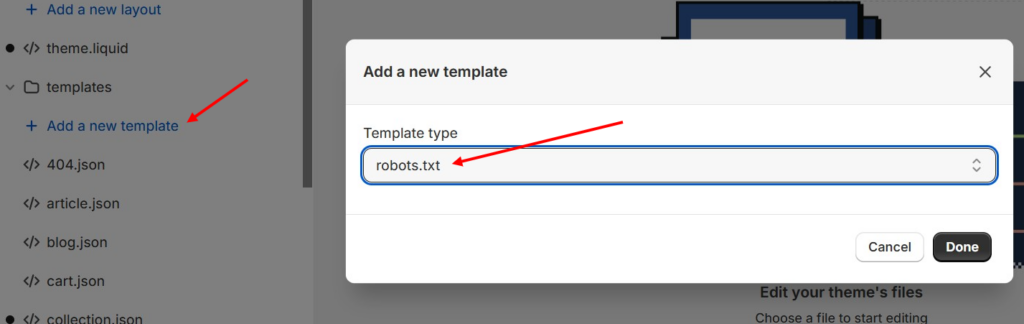
Analyze Content and Directives:
- Ensure that each robots.txt file has directives that are relevant to the content and goals of that specific subdomain.
Fixing the Issue
Access Subdomain Settings:
- In Shopify, direct editing of the robots.txt file may be limited. However, if your subdomains are hosted on different platforms, you can typically edit the robots.txt file in each platform’s file manager.
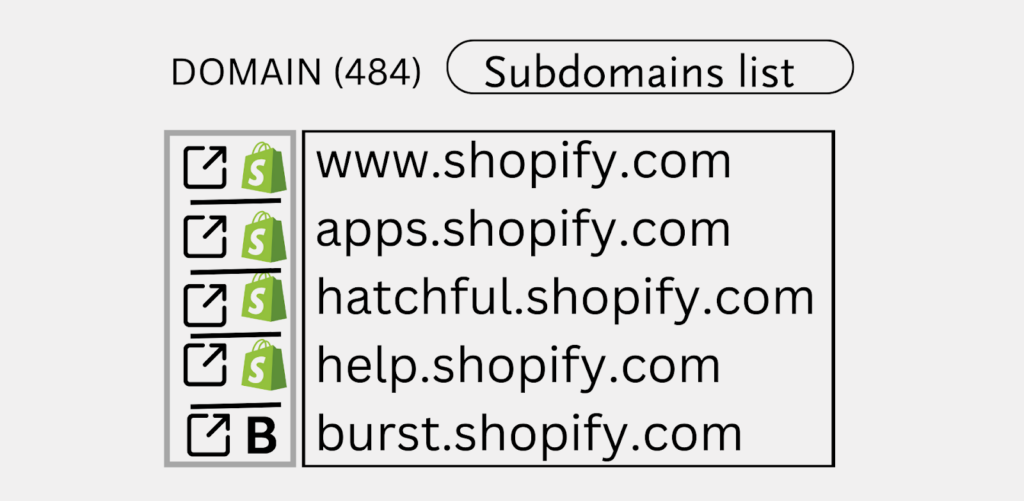
Create or Edit robots.txt for Each Subdomain:
- If a robots.txt file doesn’t exist on a subdomain, create one in the subdomain’s root directory.
- Tailor the directives in each robots.txt file to the specific needs and goals of each subdomain (e.g., disallow certain directories, prioritize certain pages).
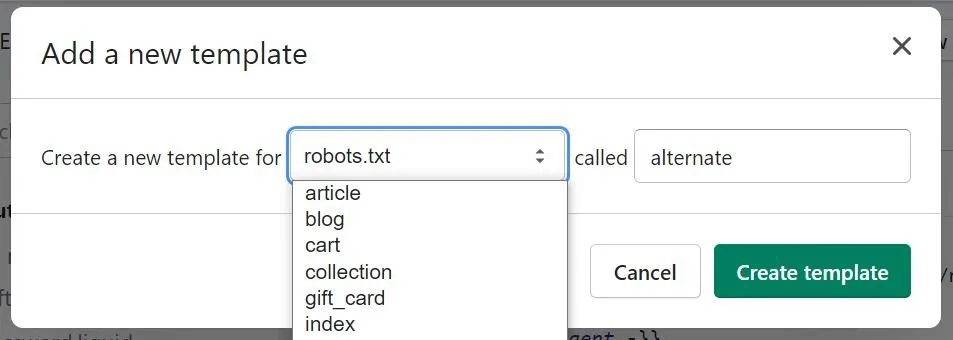
Verify the Changes:
- Use the robots.txt Tester in Google Search Console to validate each subdomain’s robots.txt file.
- Look for errors and confirm that the appropriate directives are being applied.
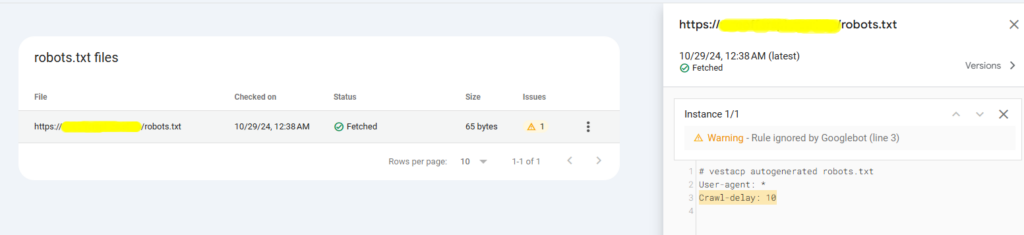
Monitor and Update:
- Regularly review each robots.txt file for necessary updates, especially as you make structural or content changes to the subdomains.
- Monitor the impact in Google Search Console by tracking crawl stats and checking which pages are indexed for each subdomain.
Leave a Reply