
Invalid pages in the sitemap
Explanation & Implementation Guide
Explanation
Invalid URLs in your sitemap can lead to crawl errors, preventing search engines from indexing essential pages on your site. A sitemap should list only live, accessible URLs to facilitate efficient crawling. Invalid URLs waste your crawl budget (the number of pages a search engine crawls on your site) and can confuse search engines about your website’s structure and content.
Implementation Guide
Identifying Invalid Pages:
Use Google Search Console: Navigate to Google Search Console and select your website property.
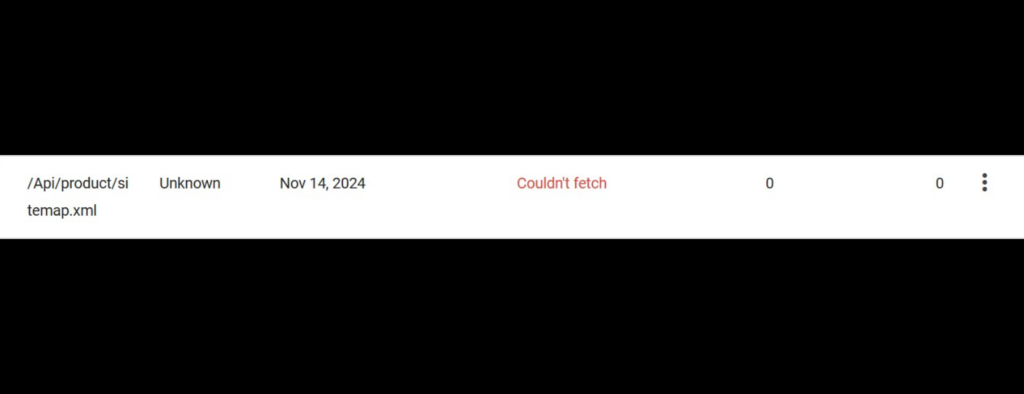
Go to the ‘Sitemaps’ section and review the ‘Status’ and ‘Last read’ columns for any errors.
Click on the individual sitemap links to view details and identify any URLs that Google couldn’t process, such as those that are marked with errors (e.g., 404s).
Screaming Frog:
- Open Screaming Frog SEO Spider.
- Go to ‘Mode’ > ‘List’ and upload your sitemap file or input the sitemap URL.
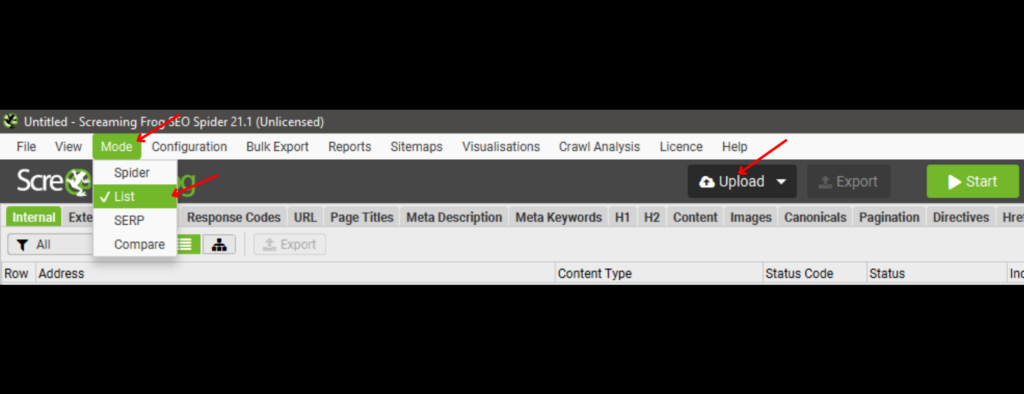
- Start the crawl and after it’s completed, filter the results to check for any 404 (Not Found) errors or other server-related issues.
Fixing the Issue
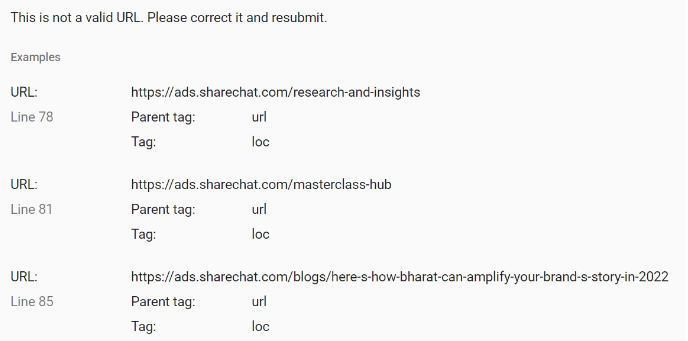
Correct or Remove Invalid URLs:
- Identify the source of invalid URLs in your Shopify admin. This could include product pages, collections, blog posts, or other dynamic content that automatically generates sitemap entries.
- Correct URLs if they are formatted incorrectly or point to outdated content. If a page is no longer available or relevant, remove it from your Shopify site to prevent it from appearing in the sitemap.
Update Your Sitemap:
- Shopify generally updates the sitemap automatically when changes are made to your site. However, if you’re using a third-party sitemap generator, you may need to manually regenerate or update your sitemap after making changes to remove invalid URLs.
Resubmit Sitemap in Google Search Console:
- After resolving the issues, return to Google Search Console.
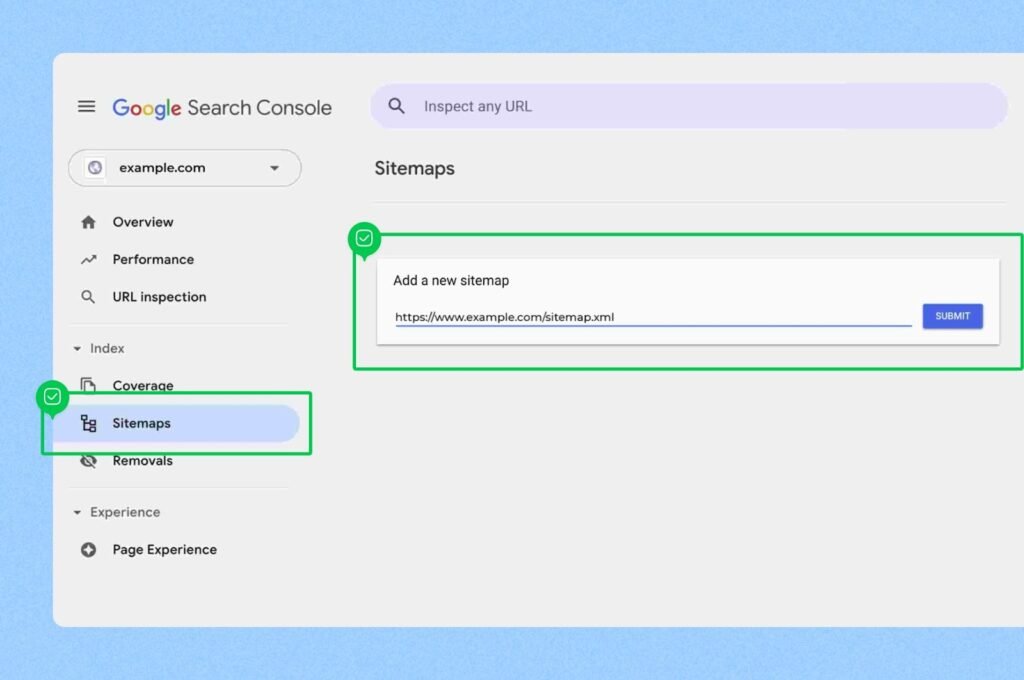
- Resubmit the updated sitemap by entering the sitemap URL and clicking ‘Submit’.
Monitor for Further Issues:
- Regularly check Google Search Console for any further sitemap errors and resolve them promptly.
- Continuously monitor the health and accessibility of your website by running periodic crawls with tools like Screaming Frog to ensure that no invalid pages remain in the sitemap.
Leave a Reply