
Does a Privacy Policy Page Exist?
Explanation & Implementation Guide
Explanation
Having a Privacy Policy page on your Shopify website is essential for building transparency and trust with your visitors. A privacy policy details how you collect, use, and protect the personal information of users who interact with your site. It serves as a legal document that informs visitors about their data privacy rights and security. In many cases, a privacy policy is also legally required depending on your location and the nature of your business.
Implementation Guide
Manual Inspection:
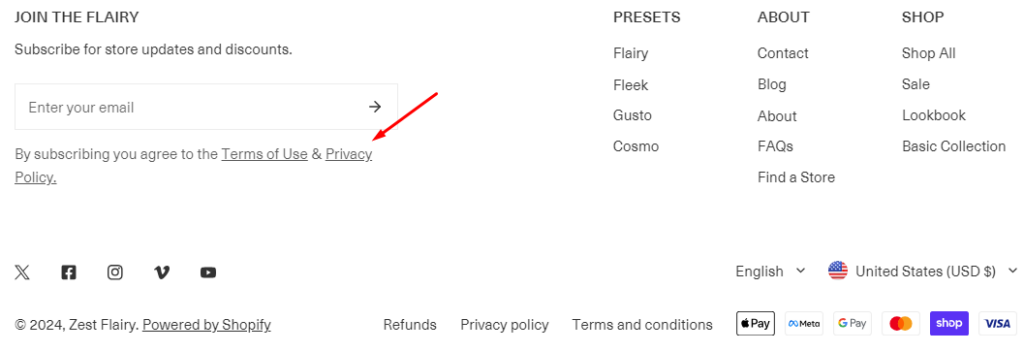
- Check the footer or legal section of your website to ensure a link to the privacy policy is available.
- Review the content of the linked page to confirm it includes details on how data is collected, used, and protected.
Google Search:
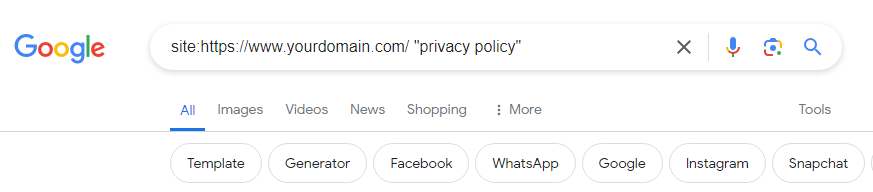
- Search using site:https://www.yourdomain.com/ “privacy policy” to check if Google has indexed a privacy policy page for your website.
Fixing the Issue
Log in to Shopify Admin:
- Access your Shopify admin dashboard.
Navigate to Pages:
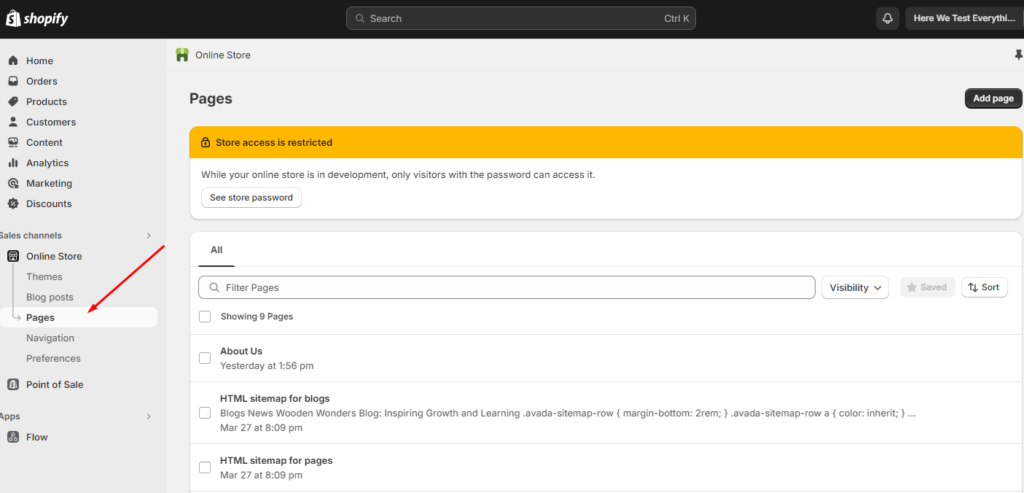
- Go to the “Pages” section in your Shopify admin
Add a New Page:
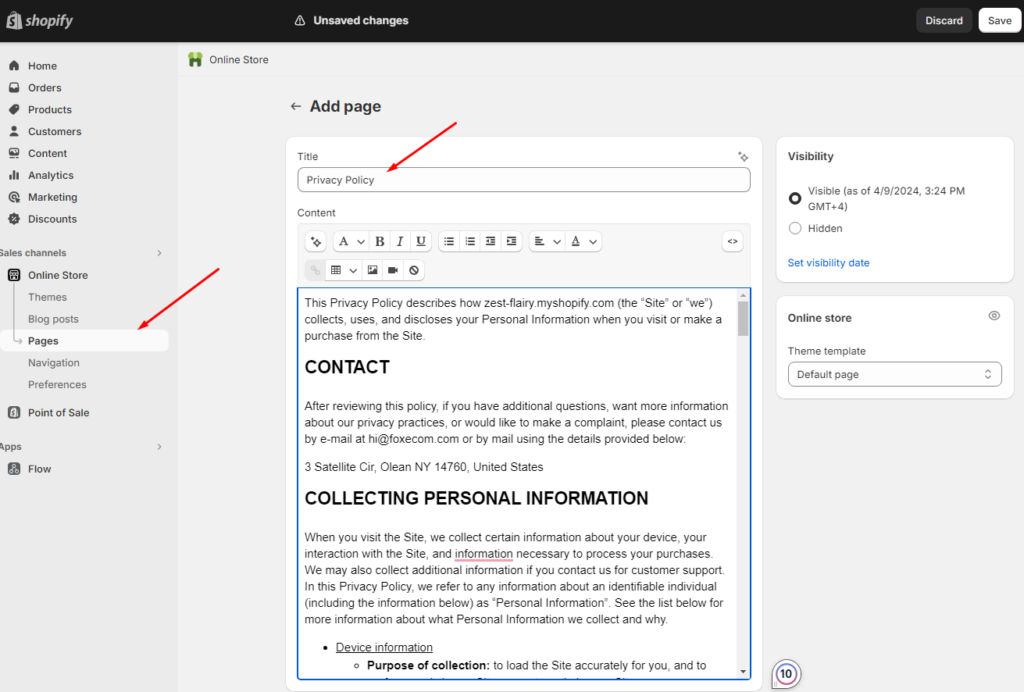
- Click “Add a new page” to create a new page for your Privacy Policy.

Write Privacy Policy Content:
- Draft the content for your Privacy Policy page, covering aspects such as data collection, usage, storage, and compliance with relevant data privacy regulations.
Optimize for SEO:
- Ensure the page title, meta description, and headers are optimized with relevant keywords. Use clear and transparent language throughout.
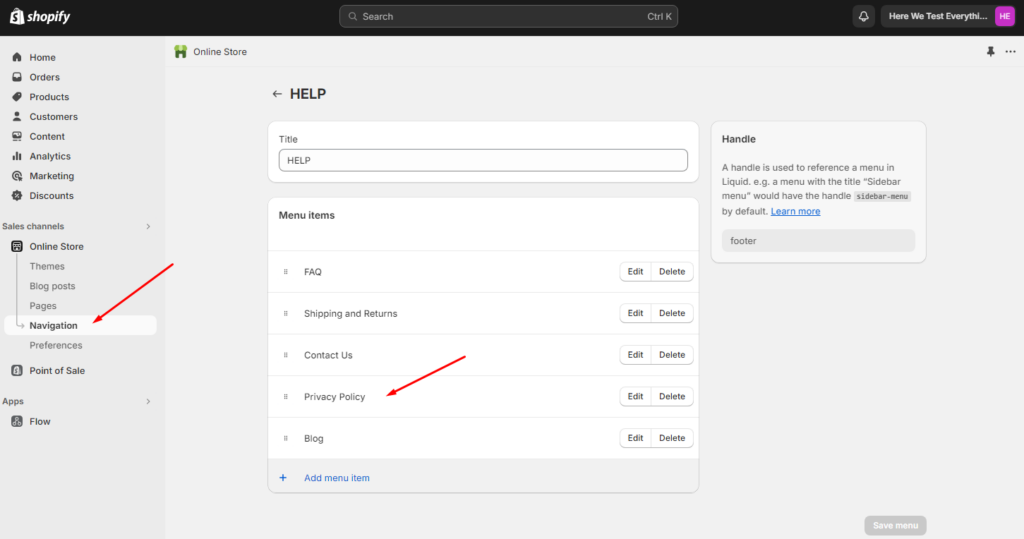
Link in Website Footer:
- Add a link to the Privacy Policy page in the footer of your website for easy access by visitors.
No comments to show.
Leave a Reply