
Unoptimized CSS File Sizes
Explanation & Implementation Guide
Explanation
Unoptimized CSS files negatively impact website performance and SEO, resulting in slower page load times and reduced efficiency on mobile devices. Large CSS files slow down page rendering, leading to a poor user experience and lower search engine rankings. Sluggish load times can increase bounce rates and decrease user engagement, potentially causing search engines like Google to penalize the site. Additionally, unoptimized CSS files harm mobile performance, reducing visibility in mobile search results and limiting organic traffic from mobile users, especially with the increasing importance of mobile-first indexing.
Implementation Guide
Google PageSpeed Insights
- Use Google PageSpeed Insights to evaluate your Shopify store’s performance, particularly regarding CSS optimization.
- The tool offers detailed feedback on CSS-related problems and actionable recommendations.

Chrome DevTools
- Open your Shopify store in Google Chrome.
- Right-click on the page, select “Inspect,” and navigate to the “Coverage” tab.
- This feature helps identify unused CSS and highlights file sizes.
Fixing the Issue
Identify Large CSS Files
- Use tools like PageSpeed Insights, Screaming Frog, or Chrome DevTools to locate large CSS files.
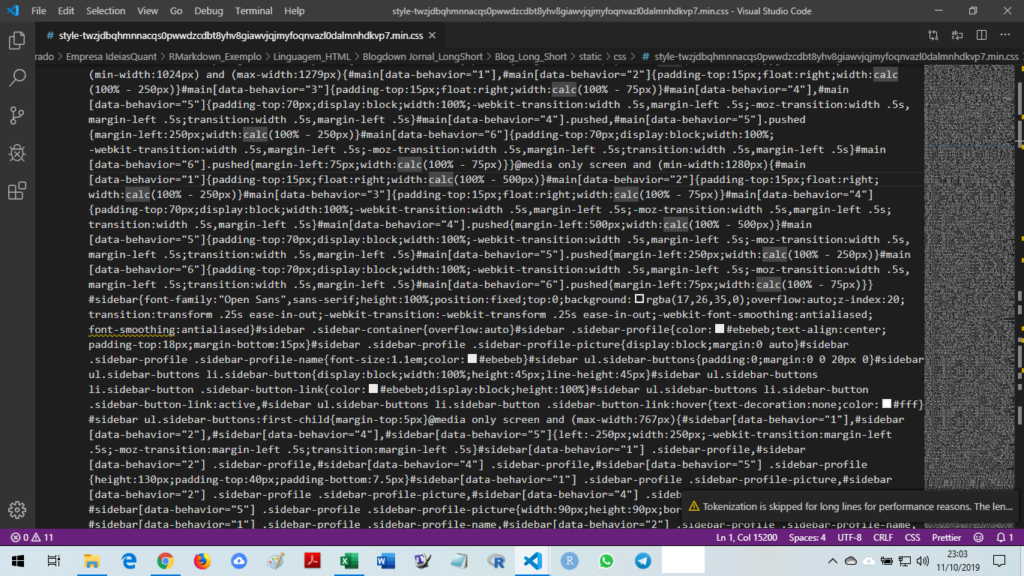
Minification
- Minify your CSS files by removing unnecessary elements like whitespace and comments.
- You can achieve this using online tools or Shopify apps designed for automated modification.
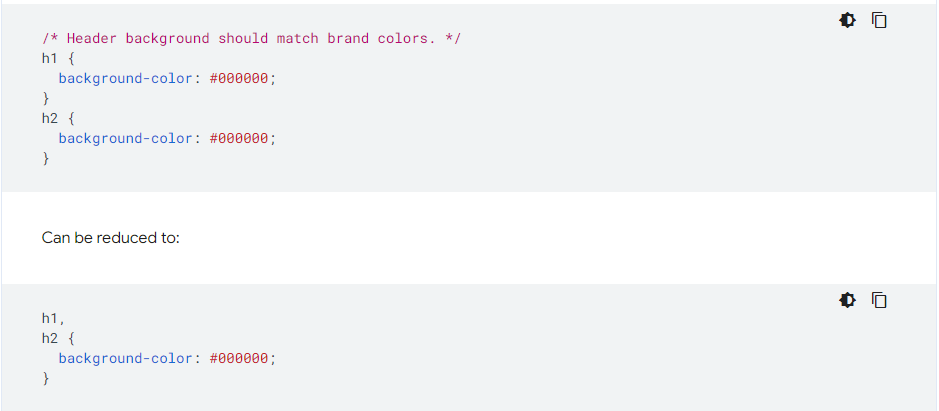
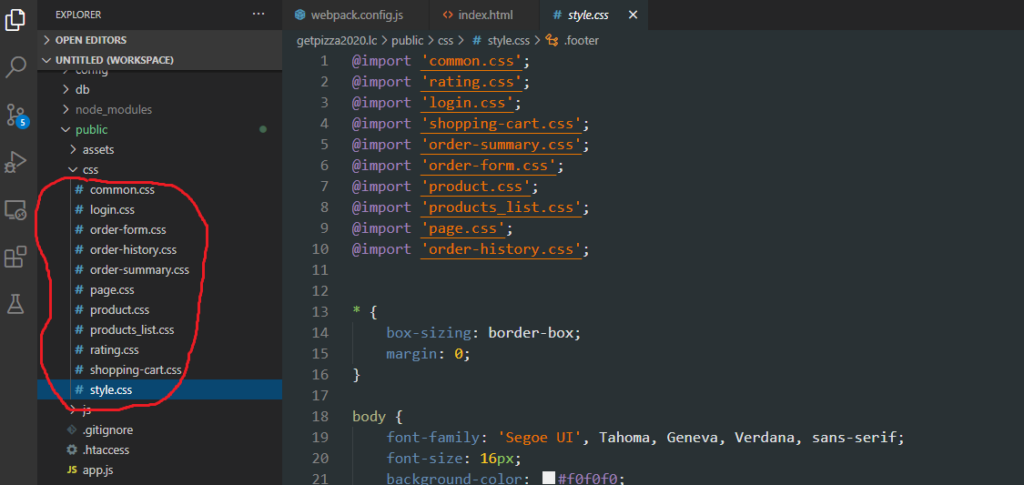
Concatenation
- Combine multiple CSS files into a single file to decrease server requests and speed up loading times
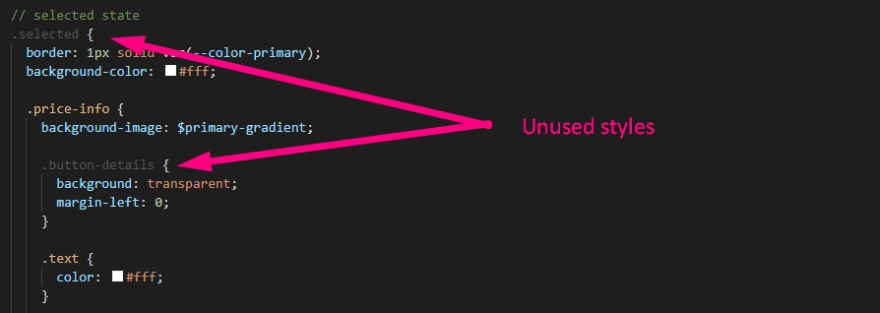
Remove Unused Styles
- Audit your CSS files to detect and eliminate unused styles that unnecessarily increase file sizes
Optimize Images in CSS
- If your CSS contains background images, ensure they are compressed and optimized for the web to improve load times.
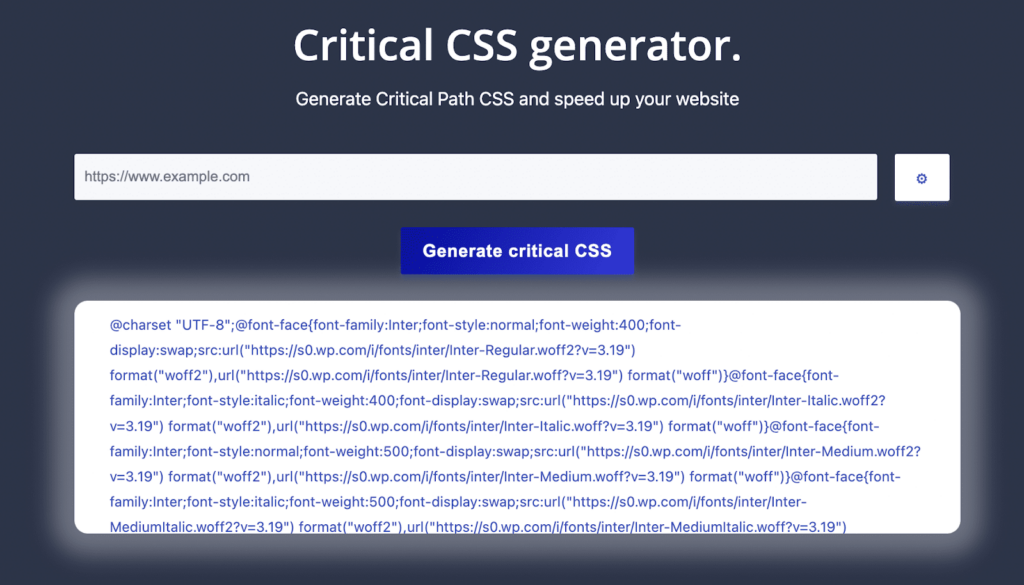
Implement Critical CSS
- Use critical CSS for above-the-fold content to prioritize loading essential styles.
- This approach improves the perceived speed of your website for users.
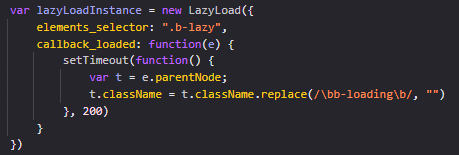
Consider Lazy Loading
- Apply lazy loading to CSS files that are not immediately required during the initial page rendering.
- This technique can significantly enhance overall load times.
Regular Audits
- Conduct periodic audits of your CSS files, especially after making changes to your theme or updating your store.
- Regular optimization ensures your website maintains peak performance.
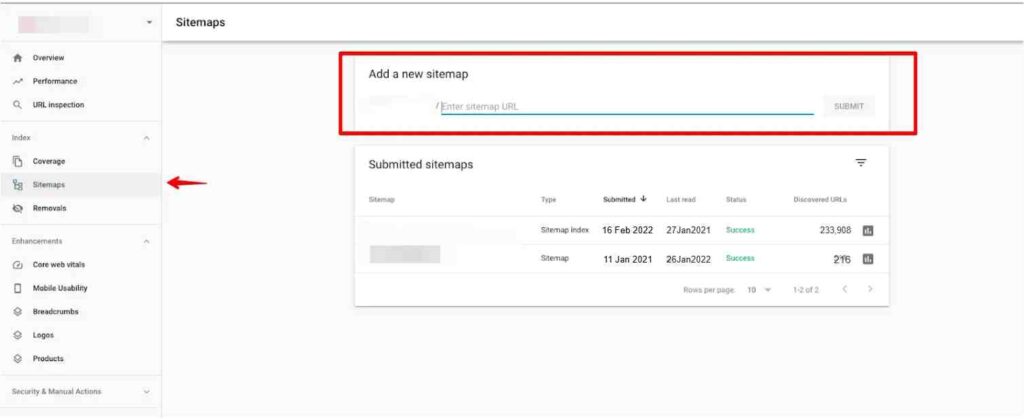
Submit Updated Sitemap
- Once your CSS files are optimized, update your sitemap and submit it to Google Search Console to reflect the changes.
No comments to show.
Leave a Reply